
As authenticas it gets.
One link, and your whole team is on it. Briefing included.
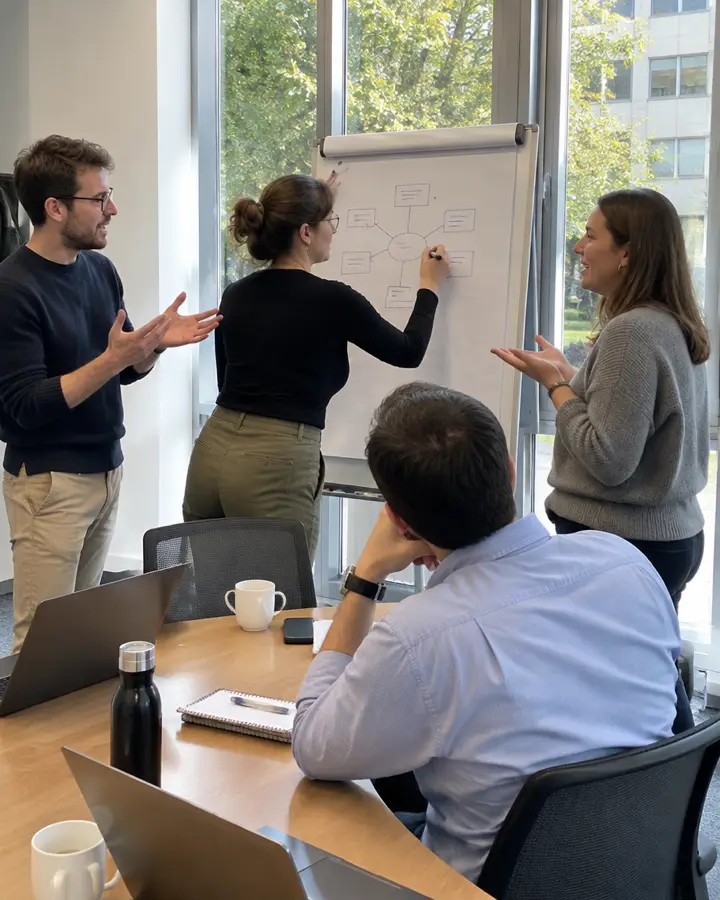
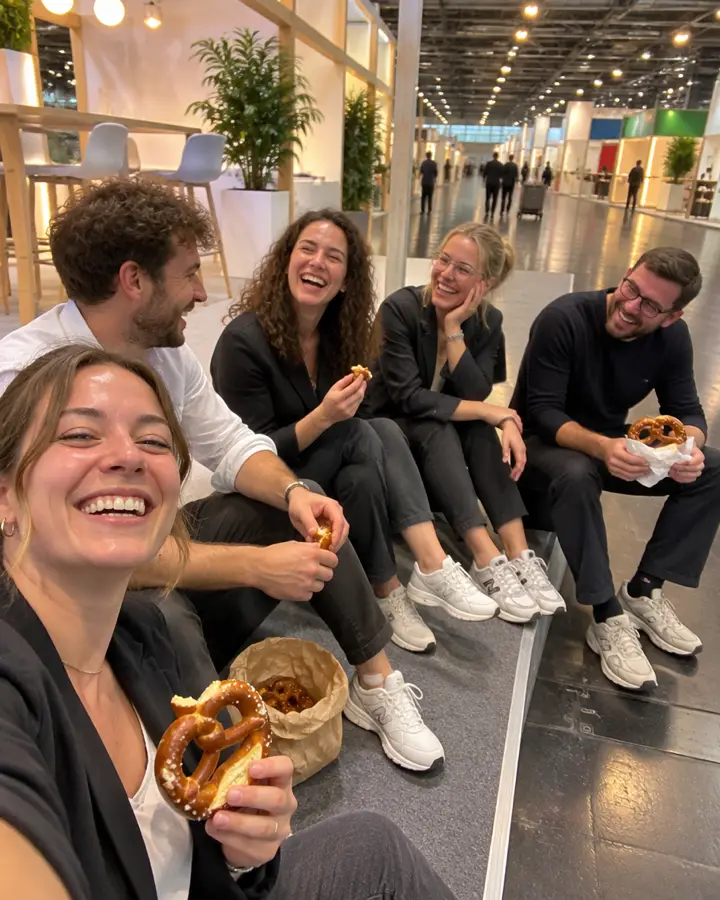
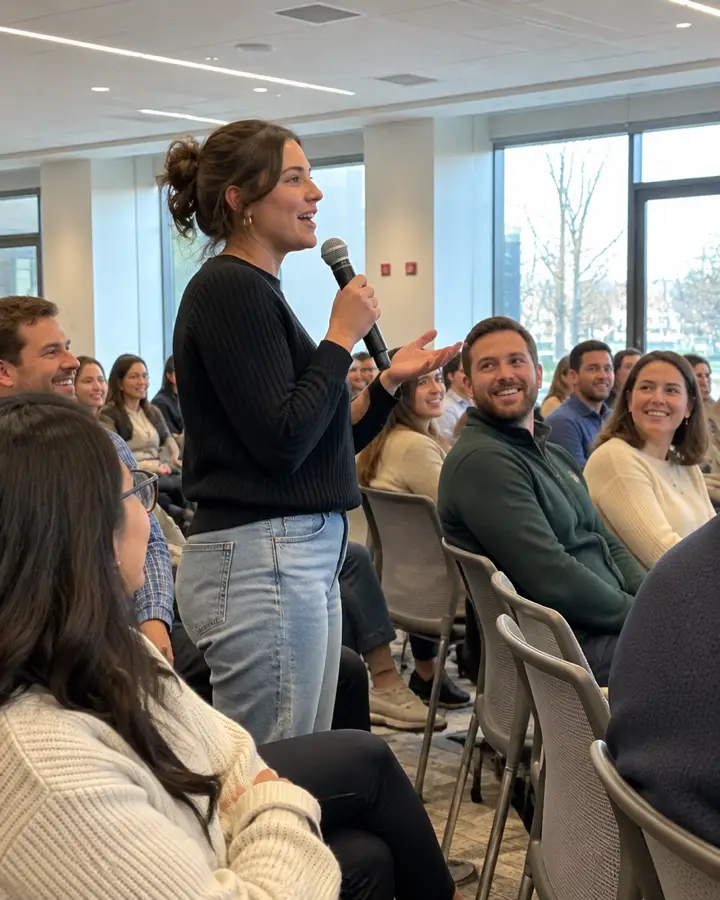
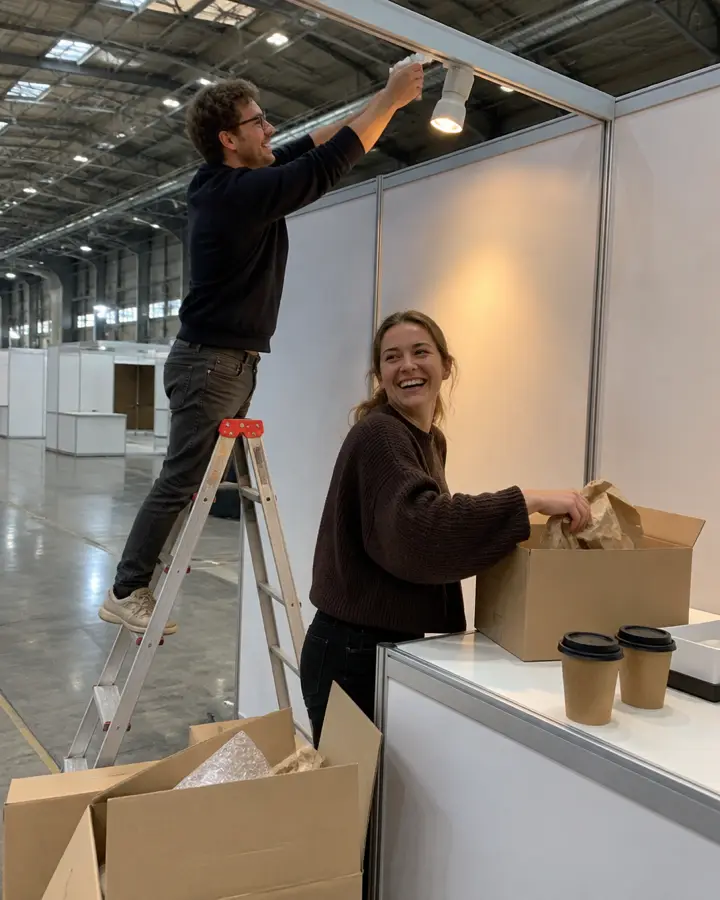
Photos that show what it's really like at your company.
Everyone on the team gets a camera on their phone. No app, no download. Just scan the code and start shooting.
For recruiting and social media these photos are gold: genuinely authentic, from the inside, taken by your own people. You don't need an event for it. The camera can simply run alongside a normal working week.
Moments
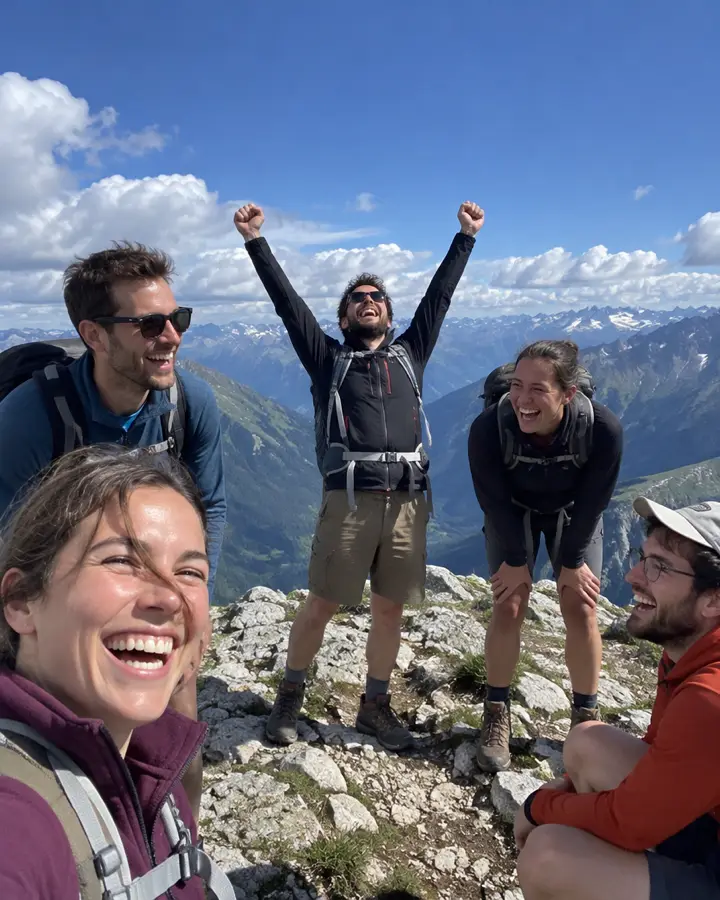
This is your team when nobody's posing.






How your team shoots
Scan the QR code, pick a task, press the shutter.
Photo tasks give people ideas when they don't know what to shoot. A grid, a level and lighting tips help with every photo. Anything that still comes out too dark, Qnipsta brightens afterwards.

Occasions
Pick a theme and the photo tasks come with it.
Each template comes with matching photo ideas that you can change. Nobody has to use them. Anyone who prefers can just start snapping.
- Team eventA selfie with someone from another department · The best moment of the evening · The bosses, fully relaxed
- Christmas partyThe best jumper of the night · Secret Santa: the strangest present · The bosses on the dance floor
- RecruitingYour workplace as it really is · Colleagues at work · The kitchen and a coffee break
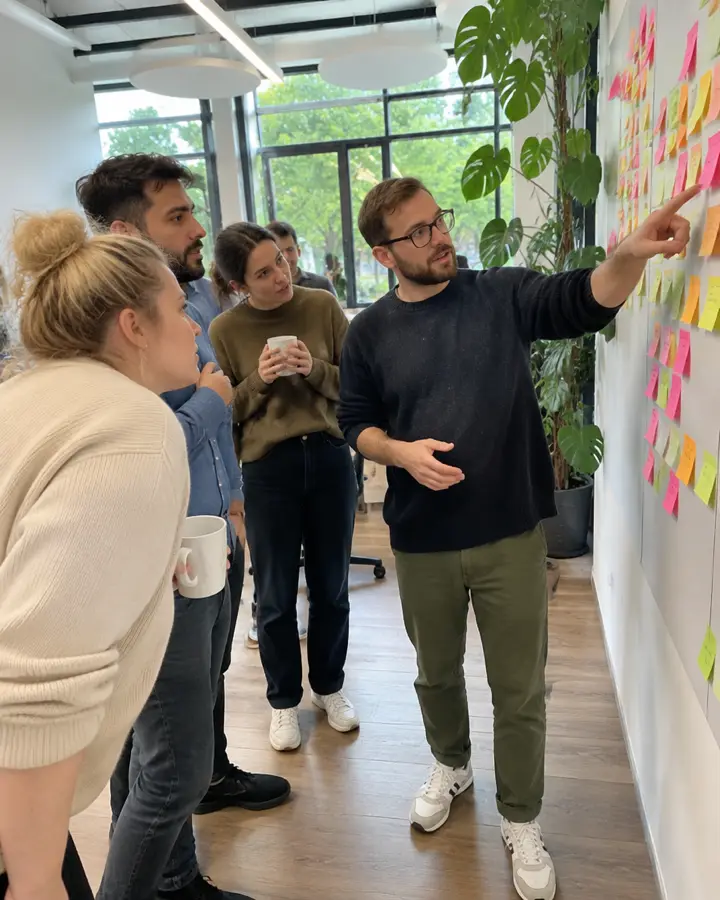
- Meeting & workshopThe whiteboard afterwards · The lightbulb moment · The group in action
- Project documentationBefore: where it all started · The team behind the project · A milestone
- Client eventThe welcome · Good conversations · The highlight of the programme
- Client visit & tripArriving at the client's · Together with the client · Impressions on site
- Shop openingThe ribbon, just before it's cut · The first customers · The team behind the counter
- Pop-up shopSetting up before the doors open · Someone trying something out · The shop window from outside
- Exhibition & private viewSomeone standing in front of a piece for ages · The artists in conversation · A detail up close
Why Qnipsta
More real than any photo shoot.
Authentic for recruiting and social media
Nobody has to pose. Your people show what it is really like to work with you. These are exactly the photos that work on your careers page, LinkedIn and Instagram. No app, just a QR code.
Develop together
Nobody sees the photos before the set date. Then the album opens for everyone, and the next day the whole team is talking about it.
A camera with pro shooting aids, in your colours
Natural photos in high resolution, formatted for feed or story. Upload your brand guidelines and Qnipsta picks up your brand colours and shows your photo rules as tips.
Straight into the archive
No more WeTransfer. Every photo lands in the company archive automatically and is available there from development onwards. Only invited people can download originals, and every download is logged. The data is stored in Frankfurt.
Formats
No event needed: formats that work well.
A month of everyday life
The camera stays open for four weeks. At the end of the month the photos are developed, and you see what the month was really like.
A week for your careers page
One team photographs a completely normal working week. Afterwards you have pictures for your careers page, job ads and social media that show what it is really like.
The first week
New starters get a film for their first week. That way you see what arriving at your company really feels like.
Pricing
Per event, by number of participants.
Everything is in every package: company archive, scheduling with invitations and reminders, camera with pro shooting aids, your own design, photo tasks, ZIP download and an invoice. Prices plus VAT.
Monthly and annual plans
Several events? One monthly price, as many events as you like.
Trade fair, workshop, team day, summer party: with the plan you run as many events as you like. The price depends on the size of your company. You book month by month, and if you take the whole year you only pay for 7 of 12 months.
- As many events as you like, all features included
- Up to twice your headcount per event, so guests and clients can join in too
- Annual plan: cancel any time. If you cancel before the 12 months are up, you pay for the months used at the monthly price and get the rest back
- Monthly plan: cancel every month, no minimum term
- Company archive included. When the plan ends, you have three months to download everything
- Prices plus VAT. Trade fairs with lots of visitors and groups with several sites on request
Questions
Frequently asked questions
What does Qnipsta do with our team's photos?
Nothing. The photos belong to you and stay in your album and company archive. We don't use them for our own purposes, for advertising or to train AI. We don't sell them and we don't pass them on to third parties. They're stored with our storage provider in Frankfurt, which processes them only on our behalf.
Who can be photographed?
That's for you to agree internally. Usually a quick note to everyone is enough, saying that photos will be taken and what you'll use them for. Anyone who doesn't want to be in the pictures can simply say so.
Can we use the photos on our careers page and social media?
The rights to a photo belong to the person who took it and to the people in it. If you want to share photos externally, get a quick OK from the team first. On the intranet it's usually straightforward.
Where is the data stored?
On servers in Frankfurt am Main, Germany. The photos stay in the company archive for as long as your company account exists and are available there from development onwards. Participants see the album of their event. Only invited people can download originals, and every download is logged.
We have several events a year. What does that cost?
That's what the annual plan is for. The price depends on company size and you run as many events as you like: €1,043 a year for up to 50 employees, €2,443 for up to 200, €4,893 from 201 employees, plus VAT. You pay for 7 months and use 12. You can cancel any time and then only pay for the months used at the monthly price. Drop us a line and we'll send you a quote.
Does the team need an account or an app?
No. Scan the QR code, type in a first name and off you go. It runs in the browser on any smartphone.